1. A file that does not match the FA(3) schema
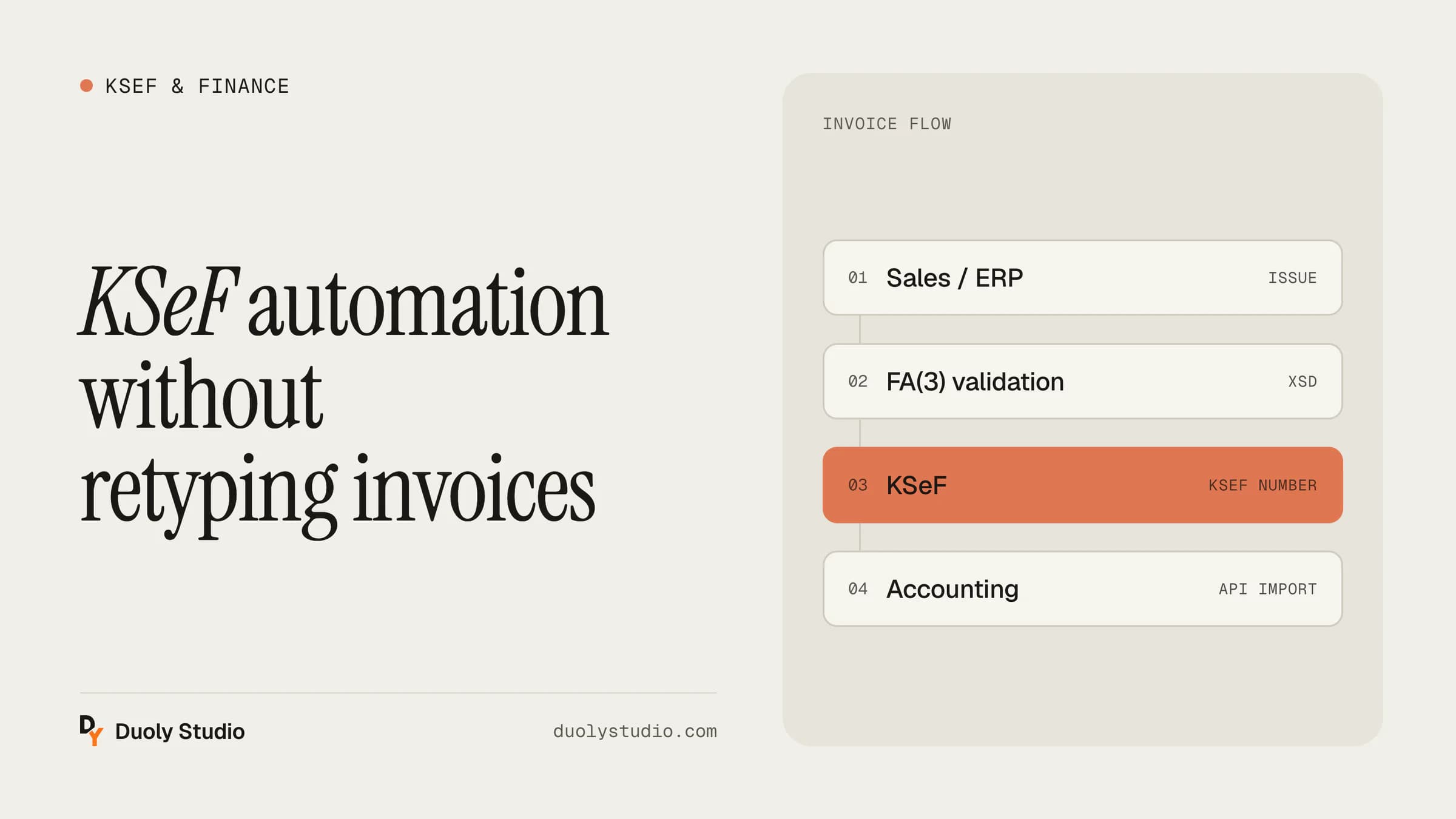
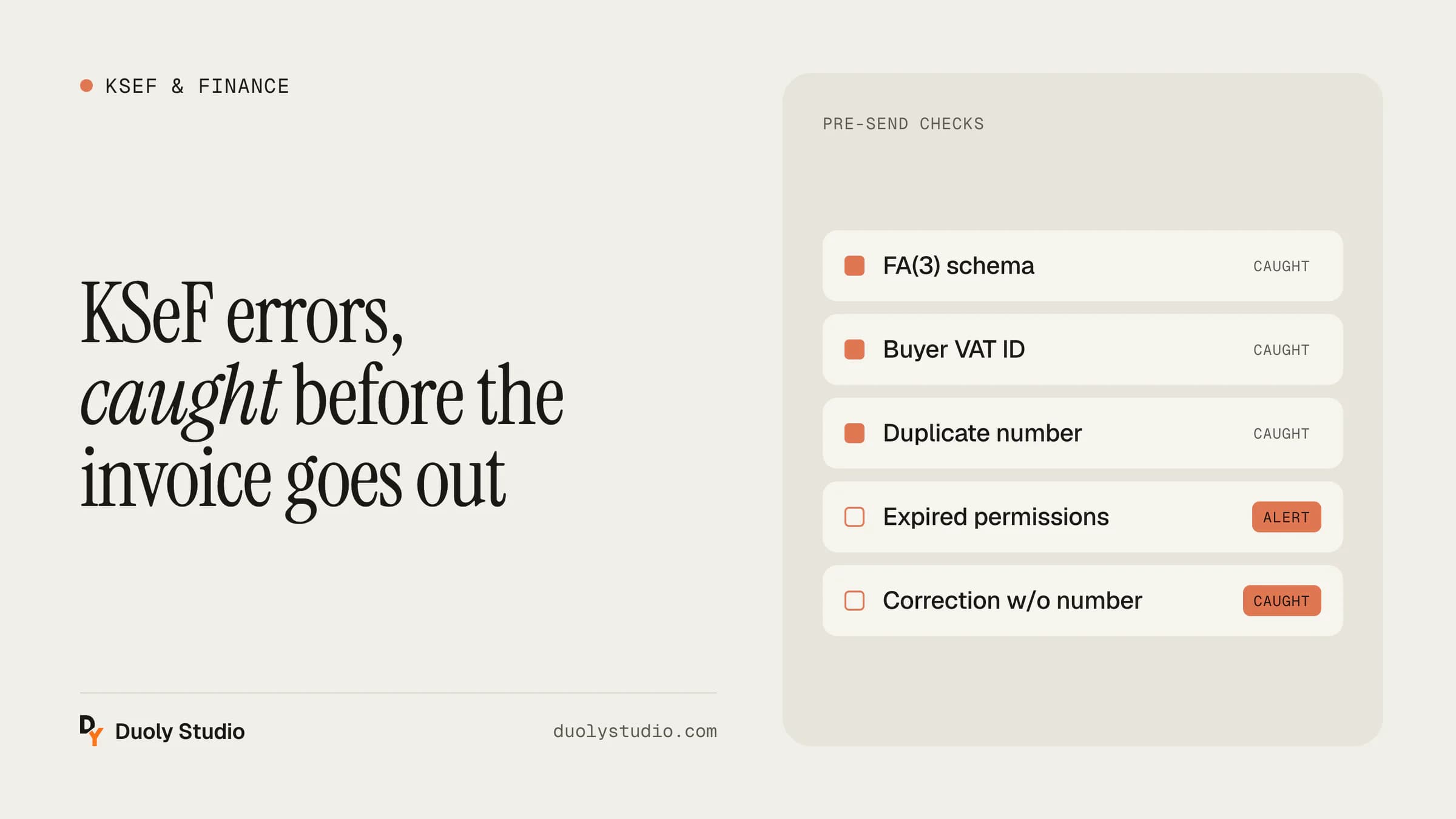
KSeF only accepts invoices as structured XML that complies with the current schema. A missing required field, a wrong date format, an amount with a comma instead of a dot, text too long for a field: each of these details ends in rejection.
How to catch it: validate the XML against the official XSD schema before sending. It is a few lines of code in the integration and it removes a whole category of errors.
2. Wrong buyer tax ID
A typo in the tax ID (NIP) is a classic. The invoice may pass format validation but reach the wrong entity, or no entity at all. It happens especially often with data retyped by hand from emailed orders.
How to catch it: check the NIP checksum and verify the business partner against the VAT whitelist or the GUS register when the customer record is created, not when the invoice is issued.
3. Duplicate invoice
KSeF rejects an invoice if the same seller has already sent a document of the same type with the same number. The most common cause is a retry after a network error when the first attempt had actually succeeded.
How to catch it: before retrying, the integration should check the status of the previous session. A submission queue with a unique invoice key solves the problem for good.